Switch routes cleanly
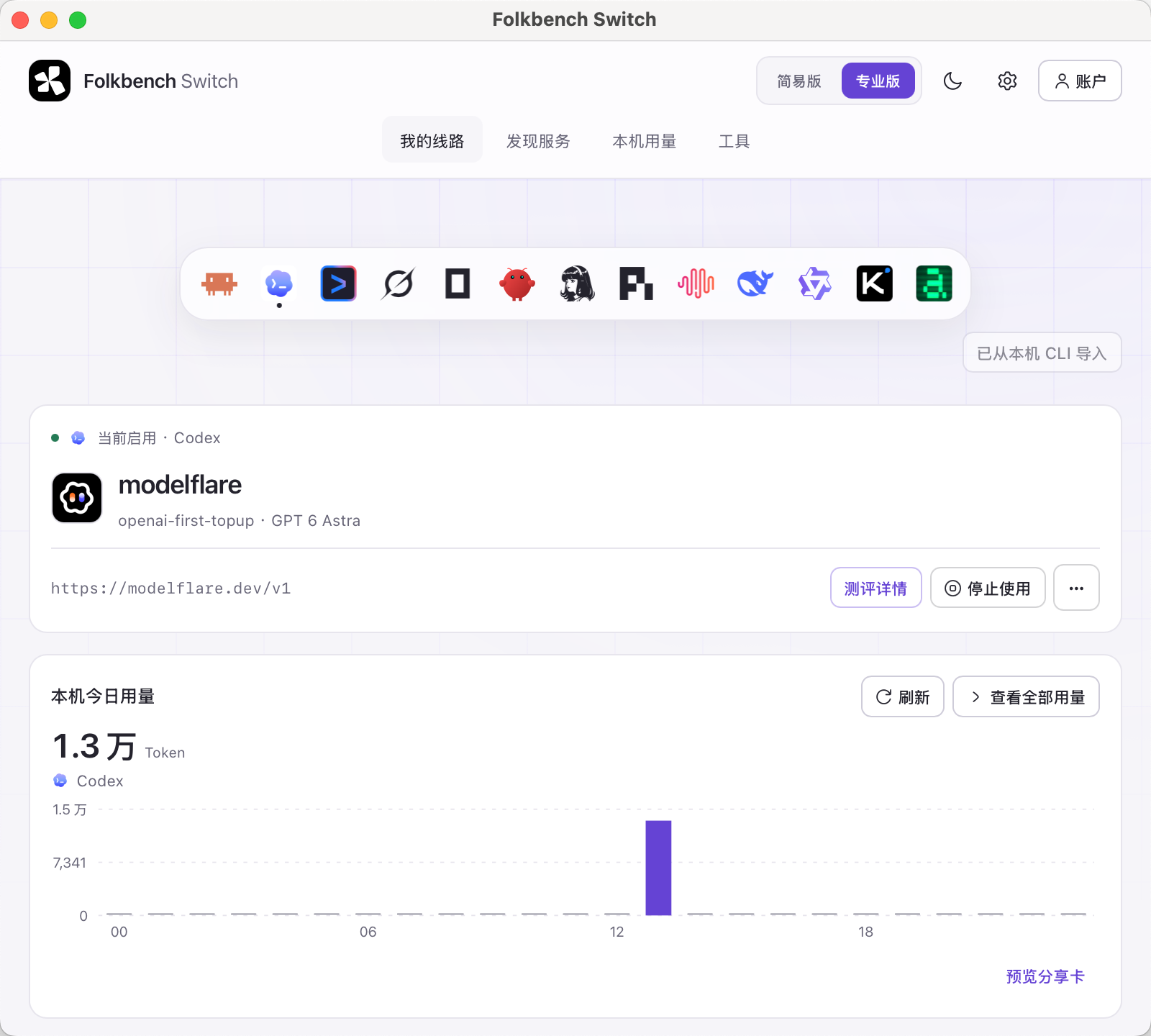
Keep your services in one place. Save base URL, key and model together—no more hand-editing config files.
 Folkbench-Switch
One place to
switch and manage.
Connect your API services to Claude Code, Codex and more. Configs stay local. Usage stays visible.
Works with your favorite tools
 Claude Code
 Codex
Codex Gemini CLI
 OpenCode
 Aider
Aider Kimi CLI
 DeepSeek Harness
 MiniMax Code
 Qwen Code
 Hermes
One app for routes, configs and usage.
Keep your services in one place. Save base URL, key and model together—no more hand-editing config files.
See what will change, keep unrelated settings, and apply with confidence.
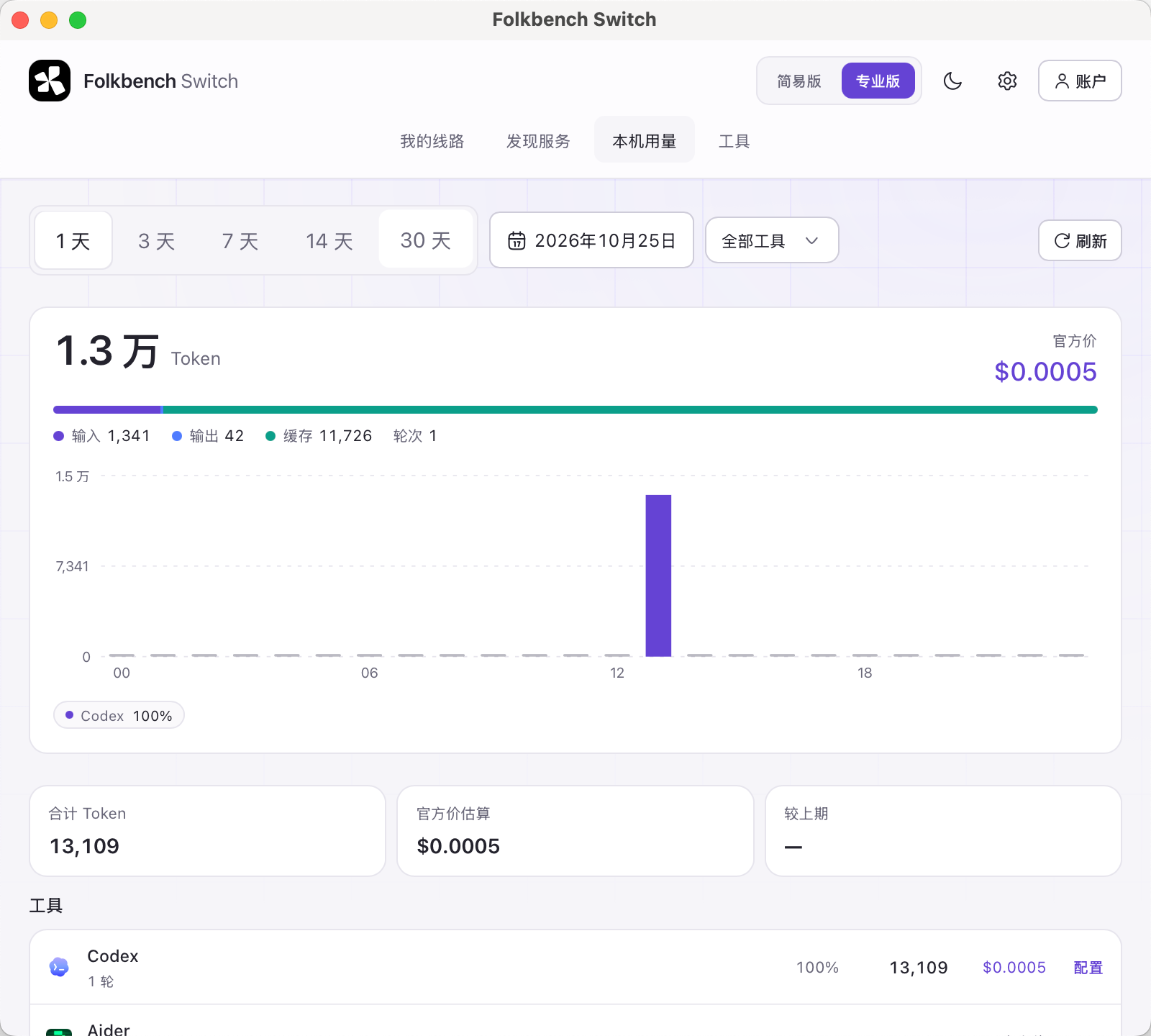
Summarize tokens and estimated cost from local tool records—your rhythm, visible.
Folkbench Switch
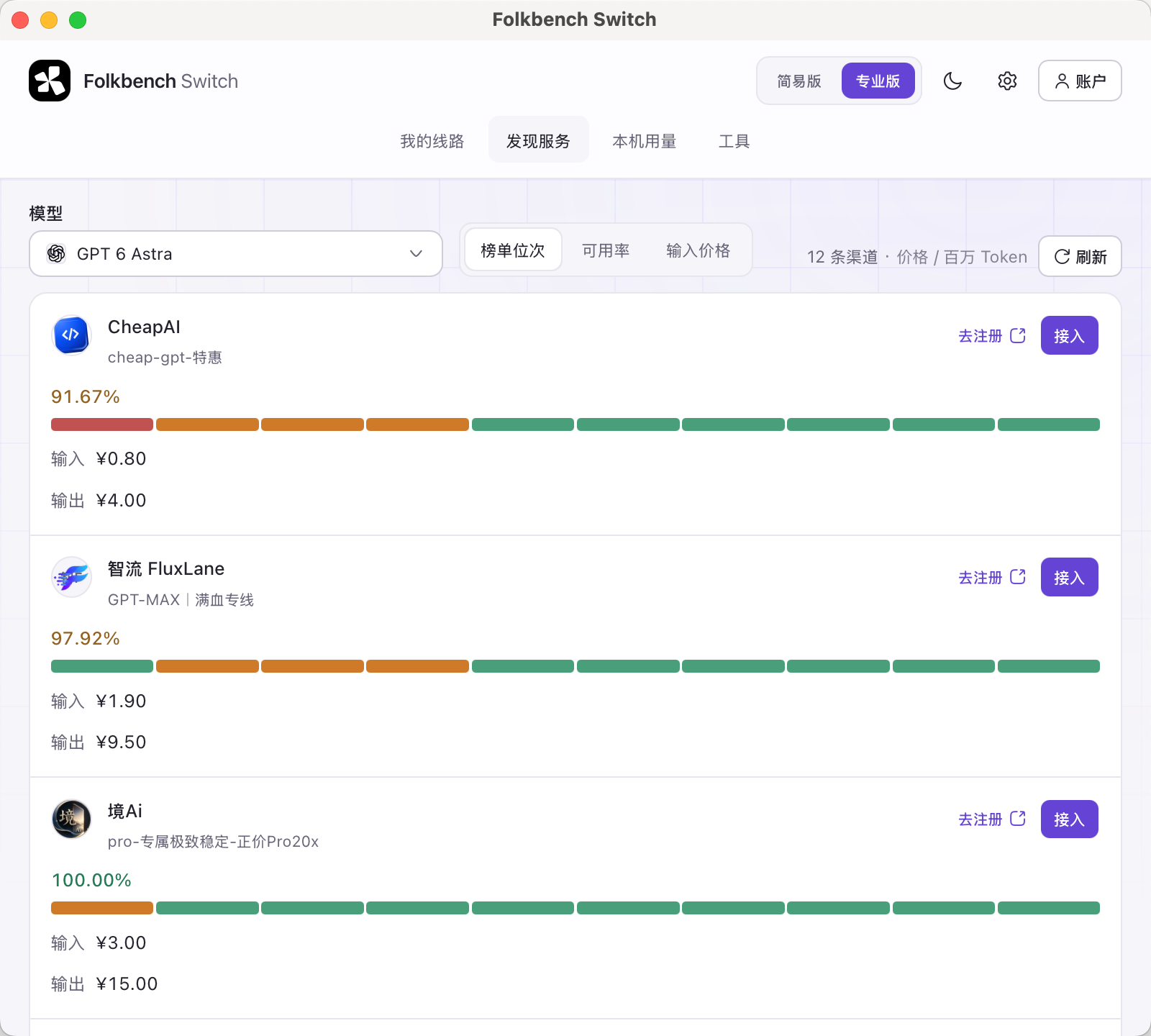
Routes, discover, usage — the real client.
Have a key? You’re ready.
Enter the API address and key.
Pick a tool and model, then preview.
Choose a folder and start building.
Switch is a desktop app—open this page on a computer to install.
Apple Silicon / Intel · .dmg
Developer ID signed and notarized by Apple.
Windows x64 · .exe
Windows x64. If Windows warns about an unknown publisher, that is normal — choose Run anyway.
Manage services offline-first; rankings and account features use the network as needed.
Switch itself is free. Your provider bills API usage.
From readable local tool records; costs are reference estimates.